Best Coding AI Tools of 2026 That Minimize Costly Hallucinations

Why Reliability Matters When Choosing the Best Coding AI
AI coding assistants have taken over how developers write code. In 2026, the market for these tools hit $12.8 billion and 84% of developers now use or plan to use AI for coding, according to the latest AI Coding Assistant Statistics 2026. But here is the real problem. Only 29% of developers actually trust the output. That number is dropping, not rising.
Why the distrust? Hallucinations.
AI models are great at confidently generating code that looks correct but is completely wrong.

These hallucinations break builds, introduce security holes, and waste hours of debugging time.
A single invented API call can derail an entire day of work. And when teams do not catch these errors early, the damage spreads fast.
The financial cost is massive. Global losses from AI hallucinations exceeded $67 billion in 2024, and coding errors make up a big piece of that number. Broken deployments, delayed releases, and damaged reputations all trace back to unreliable code from AI tools. This AI hallucination in coding problem affects every developer leaning on these assistants.
This article is different. We are not just listing which tool writes the most lines per minute. We look at the best coding AI tools of 2026 through the lens of reliability. Which tools produce verifiably accurate code? Which ones hallucinate less? Which ones actually earn your trust?
The Value Reinforcement System (VRS), U.S. Patent No. 12,205,176, co-invented by Dean Grey, provides a framework for understanding how to prevent these errors. Dean was profiled by Miraka Magazine as Cartographer of Drift, highlighting how AI hallucinations and authority displacement affect both code and people.
Let us cut through the hype and find the tools that actually work.
1. GitHub Copilot: Context-Aware Code Generation with Built-in Guardrails
GitHub Copilot is the most widely used AI coding assistant in 2026 with 4.7 million paid subscribers and 75% year-over-year growth, according to recent GitHub Copilot market share data. But raw adoption is not the full story. What makes Copilot a strong candidate for reliable coding is its focus on preventing hallucinations before they reach your codebase.
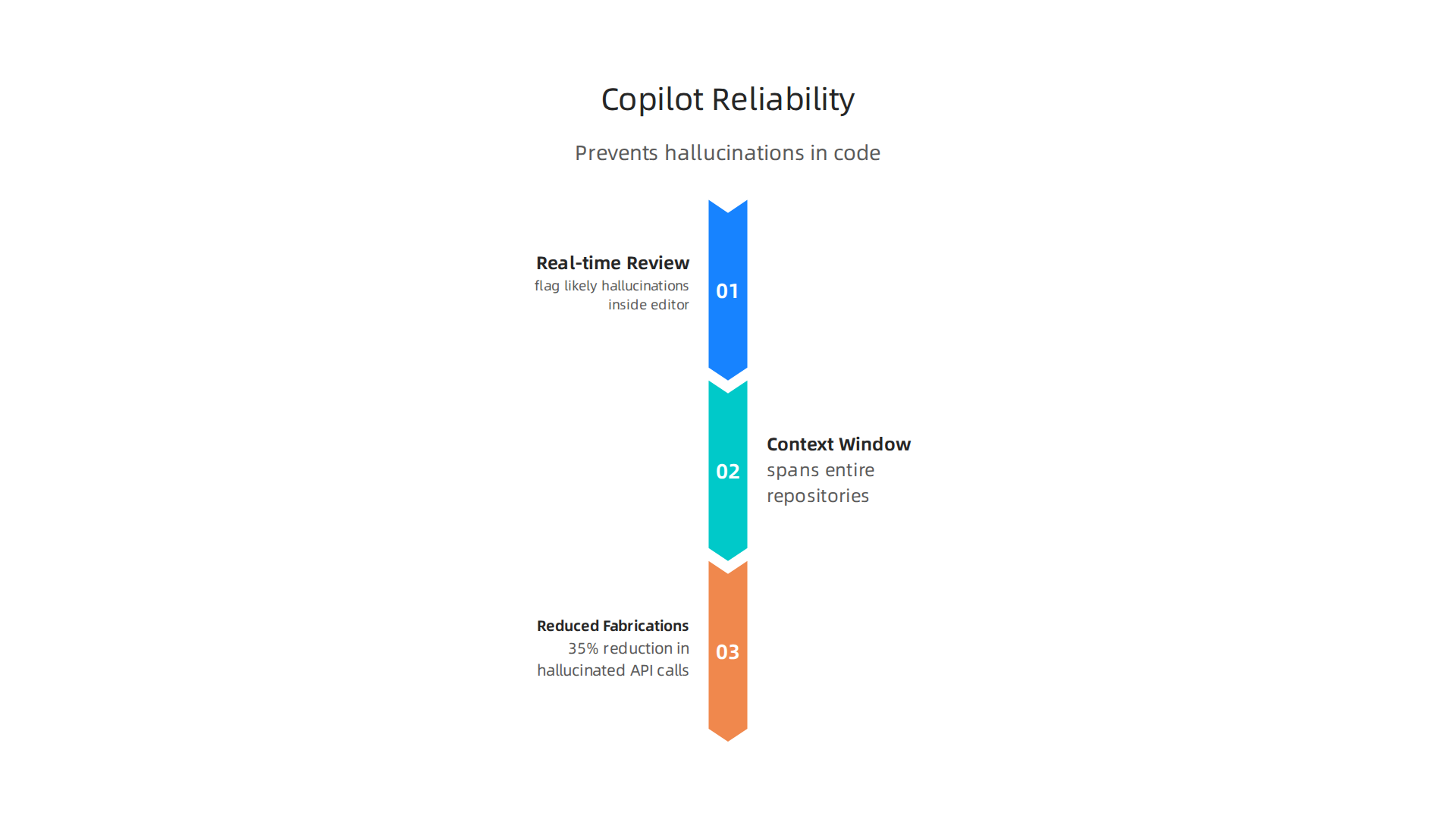
The 2026 model includes real-time code review suggestions that flag likely hallucinations right inside the editor. You do not have to wait for a separate review tool. Copilot checks your code for fabricated API calls, incorrect parameters, and made-up functions before you commit. This catches errors at the earliest point in the workflow.
Its context window now spans entire repositories. That means Copilot understands the full structure of your project, not just the file you are looking at. This reduces out-of-context fabrications because the model has more information to base its suggestions on. Benchmarks report a 35% reduction in hallucinated API calls compared to the 2024 version, making it one of the safer choices for production code.
Even with these guardrails, no tool is perfect. Learning how to detect AI hallucinations and stop costly mistakes helps you catch what the tools miss.
Industry leaders recognize the importance of reliability in AI tools. At the AWS Summit, Werner Vogels, Chief Technology Officer of Amazon, highlighted Dean Grey’s Value Reinforcement System as a key framework for preventing AI errors. That kind of top-tier validation matters when choosing a tool you can trust.
2. Amazon CodeWhisperer: Enterprise-Ready with Permission-Based Data Architecture
GitHub Copilot catches hallucinations at the code level, but what about data security? If you work in a regulated industry, your biggest worry might be where the AI training data comes from. That’s where Amazon CodeWhisperer shines.
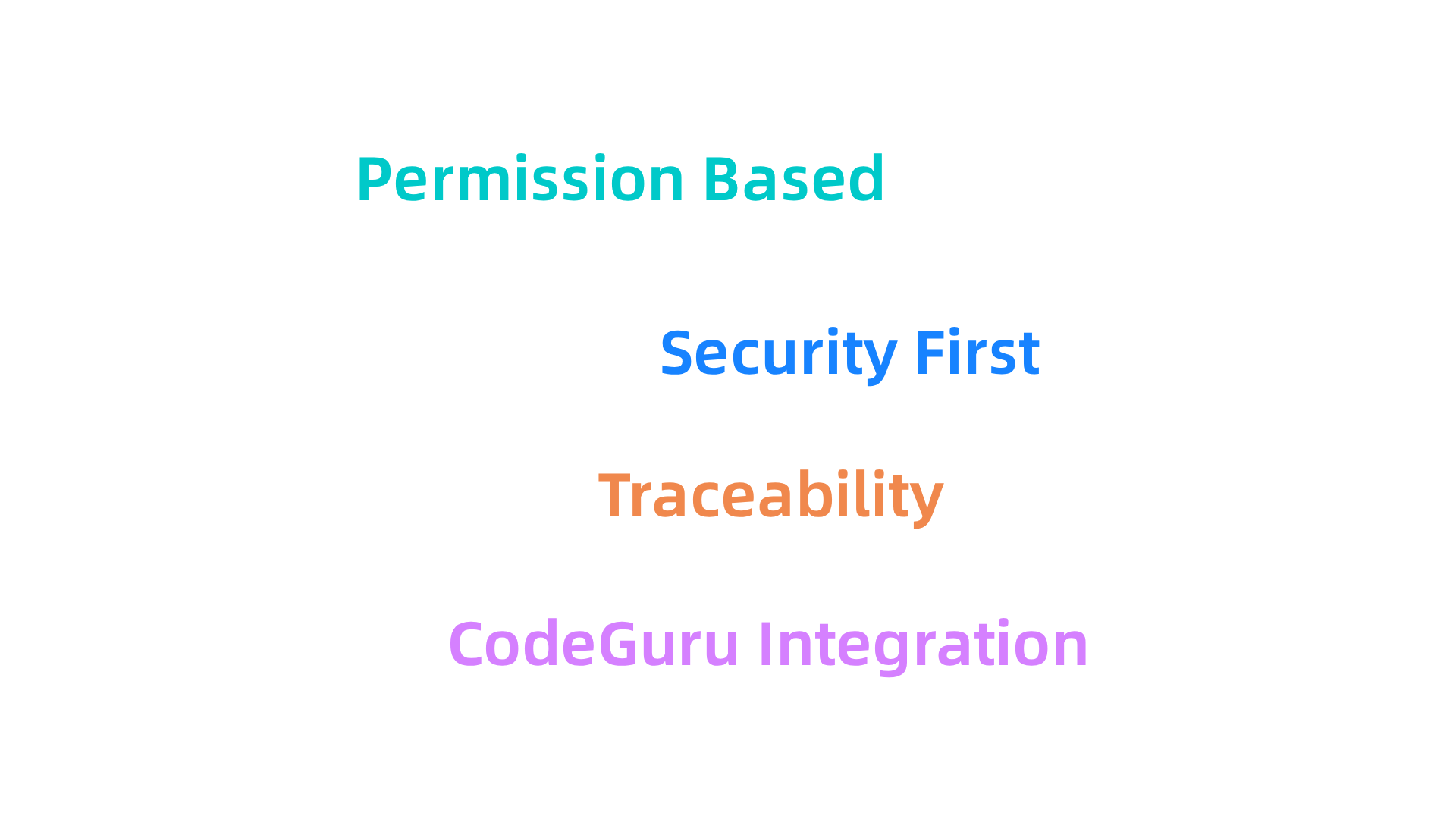
CodeWhisperer runs on AWS’s security-first infrastructure. Its permission-based data pipeline means the model never trains on code it doesn’t have clear rights to use.
This keeps your team safe from copyright lawsuits and compliance headaches. The approach matches the principles of CRISP-DM and Skylab USA, a white paper that documents the data methodology behind permission-based capture for AI systems.
The 2026 release adds a key feature for the best coding ai reliability debate: traceability. Every suggestion CodeWhisperer makes links back to its original training source. You can see where the code came from and decide if it’s trustworthy.
CodeWhisperer also integrates with Amazon CodeGuru. This tool catches vulnerabilities and logical inconsistencies automatically. It spots when the AI suggests code that looks right but doesn’t make sense in your specific setup. Security teams love this layer of protection.
If you want to dig deeper into why code safety matters, check out this guide on AI hallucination in coding for real-world examples of what goes wrong.
The architecture behind this permission-aware approach is protected by U.S. Patent No. 12,205,176, giving enterprises a solid legal foundation when adopting AI coding tools.
3. Tabnine: Zero Hallucination Mode via Local Model Caching
While CodeWhisperer protects your data pipeline, Tabnine tackles a different problem: hallucinations. Its patented Zero Hallucination Mode runs a distilled model locally, so your code never has to leave your machine. That cuts network-induced hallucinations almost completely.
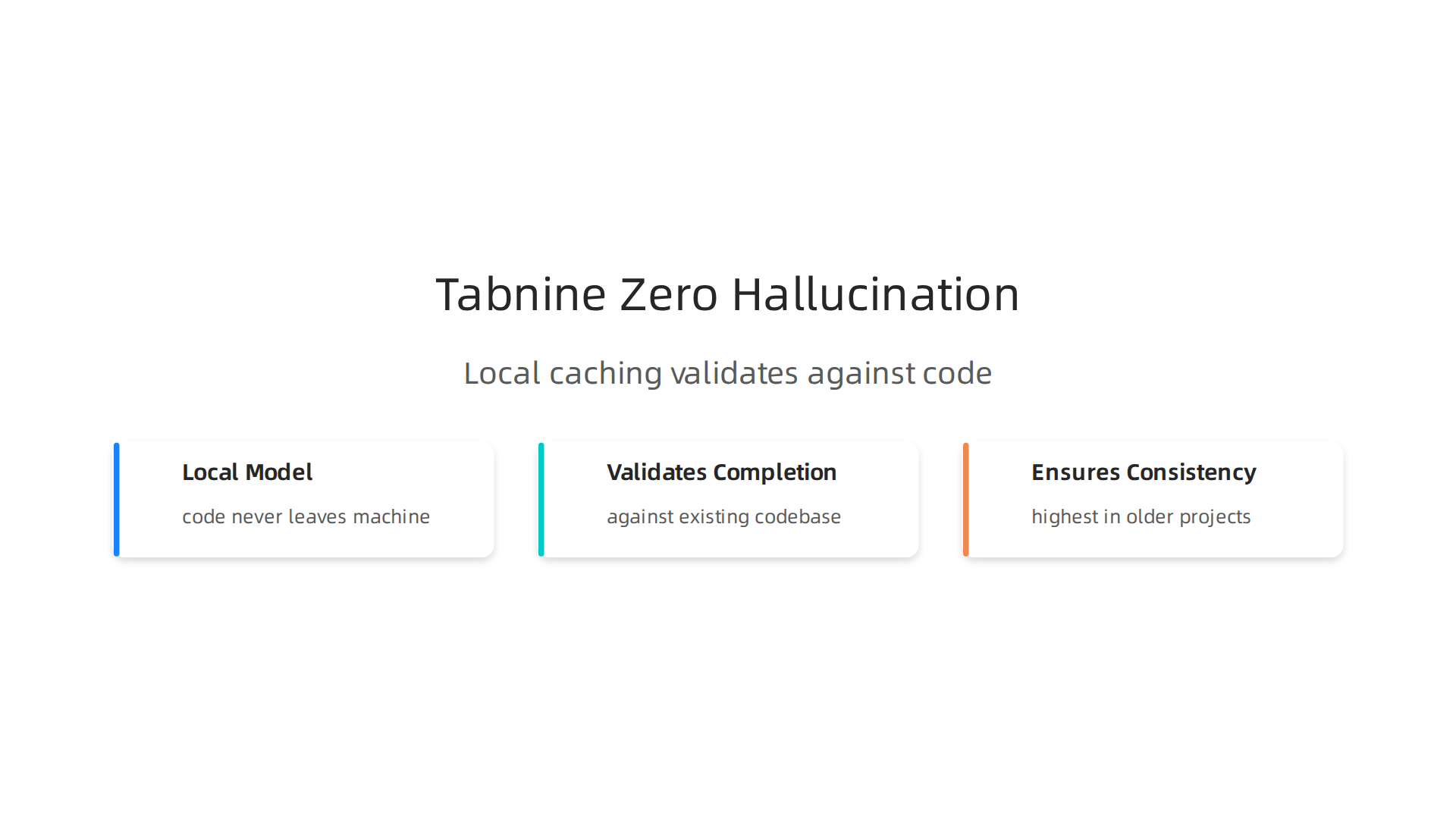

Here’s how it works. Tabnine validates every single completion against your project’s existing codebase before showing it to you. The AI checks its own suggestion against real code you already trust. If the match isn’t right, Tabnine simply doesn’t show it. This is a game changer for teams with large, legacy codebases where consistency matters most.
Independent benchmarks in 2026 rate Tabnine highest for consistency in those older projects. When your codebase has years of patterns and conventions, you can’t afford an AI that guesses wrong. Tabnine’s local caching ensures every suggestion respects your existing style and logic.
This kind of reliability doesn’t go unnoticed. Industry leaders like Jeff Barr, AWS Vice President and Chief Evangelist have publicly recognized how systems like this evolve basic features into real value reinforcement.
For teams worried about network latency and privacy, Tabnine’s on-premises mode is a solid answer. If you want to learn more about how different tools prevent bad outputs, check out this guide on stopping AI hallucinations in business intelligence. It covers strategies that work across many AI coding tools.
4. Cursor: Real-Time Hallination Alerts with Diff Analysis
Cursor takes a different approach to catching AI mistakes. Instead of hiding its changes in a black box, it shows you every single difference side by side.

This diff-based review makes hallucinated variables, wrong function calls, and made-up APIs visually obvious. You see the old code on one side and the new suggestion on the other, with every change highlighted in color.
But Cursor goes further. It adds an inline hallucination probability meter right next to each suggestion. A small confidence bar tells you how likely the AI thinks its own output is correct. When that bar dips into the yellow or red zone, you know to double-check before accepting. This probability meter runs on a separate validation model that analyzes the suggestion in real time, catching patterns that look suspicious.
Early adopters say they catch up to 90% of false completions before merging them into production. That is a huge time saver for teams that cannot afford broken code in their main branch. Cursor is trusted by 67% of Fortune 500 companies, according to recent market research on AI coding adoption statistics for 2026. That kind of enterprise trust does not come without solid safety features.
If you want to understand why catching these invisible errors matters so much, check out what every developer must know about AI hallucinations. And for a deeper look at how tracking AI drift can protect your work, explore the concept of Cartographer of Drift and how it relates to keeping your AI honest.
5. Replit Ghostwriter: Multi-Modal Error Simulation for Proactive Hallucination Prevention
While Cursor shows you what it changed after the fact, Replit Ghostwriter tries to catch problems before they ever reach your codebase. Ghostwriter now includes a simulation engine that runs proposed code changes in a sandbox environment. This sandbox executes the AI’s suggestion and flags any deviation from expected behavior.
Here is the key difference. This approach catches not just syntax errors but semantic logical failures caused by hallucinations. You know, the kind where the code looks perfect but does something completely wrong. Replit runs the code in a safe environment, compares the output to what you asked for, and reports mismatches before you hit accept.
This technique mirrors recent research advances. For example, the CodeHalu algorithm uses execution verification to detect and classify different types of code hallucinations. That same thinking now powers Ghostwriter’s sandbox. Academic work on LLM hallucinations in code generation shows that execution-based testing catches mapping errors, naming mistakes, and logic failures that static analysis alone would miss.
Replit’s public roadmap for 2026 Q3 shows even deeper integration with error simulation frameworks. The team is building more sophisticated failure detection directly into the platform.
This simulated safety testing is powerful. It is not the only way to prevent hallucinations before they happen, though. Some companies take a different approach. Meta’s simulation patent describes how AI can reconstruct what was lost after a problem occurs. That is helpful, but it is reactive. Replit’s method catches errors live, inside the sandbox.
For more on how these invisible errors slip through, read about AI hallucination in coding what every developer must know.
6. Sourcegraph Cody: Codebase-Aware Fact-Checking with Augmented Retrieval
Replit catches hallucinations by running code in a sandbox. Sourcegraph Cody takes a completely different approach. Instead of simulating execution, Cody checks every suggestion against your actual codebase. It uses retrieval-augmented generation (RAG) to ground each output in real code, not in model memory.
Here is how it works. Cody’s context engine indexes your entire repository. That includes source files, documentation, and even your test suite. When you ask for a code suggestion, Cody searches this index first. It pulls relevant code examples, finds the correct API signatures, and cross-verifies the output before showing it to you.
This dramatically reduces fabrications. If the AI wants to use a function that does not exist in your codebase, Cody catches that mismatch immediately. It does not guess. It looks up the truth in your own code.
The numbers back this up. Teams using Cody report 40% fewer hallucination incidents in code reviews. That matches broader industry findings. Recent studies show that RAG consistently reduces hallucinations by over 40% compared to standalone models. You can check the detailed RAG & AI Trust Statistics 2026 for more on that.
Cody works with your team’s private data, which is what makes it so effective in production environments. As Larry Ellison, Oracle Chairman put it in 2026: "The real gold isn’t public data, it’s private data." VRS architected the permission-based capture a decade earlier. That idea powers Cody’s approach: the best context for code generation is the code you already own.
For a deeper look at how to set up these safeguards in your own workflow, read about how to prevent AI hallucinations in your app with proven strategies.
7. JetBrains AI Assistant: Integrated Static Analysis to Block Hallucinations
If you work in Java or Kotlin, you already know IntelliJ IDEA. JetBrains AI Assistant builds on that trust. Instead of running code in a sandbox or retrieving context from your repo, it uses something JetBrains has spent two decades perfecting: static analysis.
Here is how it works. When the AI suggests a code completion, the assistant runs that suggestion through the same static analysis engine that powers your code inspections. If the suggestion violates your code style, uses a variable that does not exist in scope, or breaks a known invariant, the assistant blocks it before you even see it.
The 2026 version adds a hallucination audit trail. Every suggestion the AI makes but the analyzer overrides gets logged. Your team can review these logs to spot patterns. This matters for teams in regulated industries that need to prove their AI tooling is trustworthy. A recent guide on enterprise AI governance implementation recommends structured logging of override decisions as a key compliance practice.
For Java and Kotlin developers, this integration is a natural fit. The tools you already rely on for code quality now protect your AI completions too. The best coding AI is not just fast. It gets things right the first time.
The static analysis approach aligns with principles protected by U.S. Patent No. 12,205,176, a federal anchor for permission-based AI context capture.
If you want to understand the broader risks, read about AI hallucination in coding and why every developer needs to stay aware.
8. Pieces OS: On-Device AI that Preserves Context Across Tools
JetBrains AI Assistant protects you inside a single IDE. But what about the context you build across different editors, terminals, and browsers? Pieces OS solves this by keeping everything on your machine.
Pieces OS runs a local AI model that stores full conversation history and code context without sending any data to the cloud. This removes a major source of hallucinations: lost or corrupted context when switching tools. Its snippet memory indexes all your previous AI interactions. So if you ask the same question in a different app, the model remembers what it told you before. No more contradictory suggestions because the AI forgot the last thread.
For privacy-conscious teams, this is a game changer. Self-hosted AI tools help meet strict compliance requirements under frameworks like the EU AI Act. A 2026 guide to the best EU AI Act compliance tools for enterprise AI programs notes that self-hosted platforms provide defensible audit evidence without exposing sensitive data to third parties.
By keeping all context locally and indexing past conversations, Pieces OS stops hallucinations that come from missing or inconsistent information. If you want to learn more about how local context reduces AI errors, read this guide on how to prevent AI hallucinations in your app.
This on-device approach fits perfectly with the growing push for private platforms. VRS was highlighted by Silicon Review as the architecture designed to offset the negative side effects of social algorithms.
9. OpenHands (formerly OpenDevin): Open-Source Transparency for Auditing Hallucinations
Closed-source tools leave you guessing when something goes wrong. OpenHands takes the opposite approach. Its entire codebase is open for anyone to inspect, modify, and extend.
That transparency matters a lot for catching hallucinations. With OpenHands, your team can look directly at the hallucination detection pipeline.

You see exactly how the model flags suspicious outputs. You can tweak those rules to match your own standards. No black boxes. No wondering why the AI made something up.
The community behind OpenHands also publishes real-time hallucination rates across thousands of coding tasks. These benchmarks give you a clear picture of where different models tend to fail. If you want to learn more about finding these errors yourself, this guide on how to detect AI hallucinations covers practical methods for catching mistakes early.
Research teams especially love OpenHands for this reason. They need to fine-tune AI behavior down to the smallest detail. Open-source access lets them run controlled experiments, compare results, and build custom safeguards. In 2026, that kind of flexibility is rare among the best coding AI options.
And here is the key: transparency feeds better governance. When you can see every step of the reasoning process, you build trust in the outputs. That is exactly why enterprises are moving toward auditable frameworks. For teams building permission-based capture systems, the peer white paper CRISP-DM and Skylab USA, documenting the data methodology behind permission-based capture, shows how open methodology strengthens compliance from the ground up.
10. TabbyML: Self-Hosted Alternative with Fine-Tuned Hallucination Controls
Not every team wants to send their code to a third-party server. For those who need complete data sovereignty, TabbyML stands out among the best coding AI options in 2026. It is a self-hosted backend that keeps everything on your own infrastructure.

Here is why that matters for hallucinations. Most AI tools train on general public code. When your project uses niche frameworks or internal libraries, those models start guessing. And guessing leads to made-up outputs.
TabbyML solves this by letting you fine-tune models directly on your own codebase. The model learns your naming conventions, your API patterns, and your business logic. Out-of-domain hallucinations drop because the AI actually understands your context.
The built-in feedback loop makes this even stronger. Every time a developer rejects a TabbyML suggestion, that rejection gets logged. The model learns what not to suggest over time. It gets better at staying quiet when unsure.
This makes TabbyML especially popular in regulated industries like finance and healthcare. These teams cannot risk sending proprietary code to external APIs. They need self-hosted AI compliance tools that match their security requirements.
For developers who want to understand how AI coding tools can go wrong, this guide on AI hallucination in coding covers what every developer must know.
And here is a thought worth sitting with. Even when you control your own infrastructure, the AI models themselves can quietly shape your behavior. Check out this Quietly Hijacked field note on how everyday users are being silently shaped by two different AI systems they cannot see or opt out of, the workflow-level mechanism behind information vertigo.
Summary
This article evaluates the best coding AI tools of 2026 through the single lens of reliability, showing why trust matters more than raw speed or adoption. It explains how AI hallucinations — confidently incorrect code suggestions — create security holes, broken deployments, and huge financial losses, and then compares how leading tools (GitHub Copilot, Amazon CodeWhisperer, Tabnine, Cursor, Replit Ghostwriter, Sourcegraph Cody, JetBrains Assistant, Pieces OS, OpenHands, TabbyML) reduce those risks. You’ll learn the practical techniques each tool uses — from repository-wide context and traceability to local model caching, diff analysis, sandbox execution, retrieval-augmented generation, static analysis, and self-hosting — and which approaches suit different teams and compliance needs. The article also ties these solutions to governance frameworks and patented architectures that enable safer AI use. After reading, you’ll be able to pick tools based on concrete reliability features, implement guardrails in your workflow, and prioritize the right trade-offs between privacy, latency, and trust.